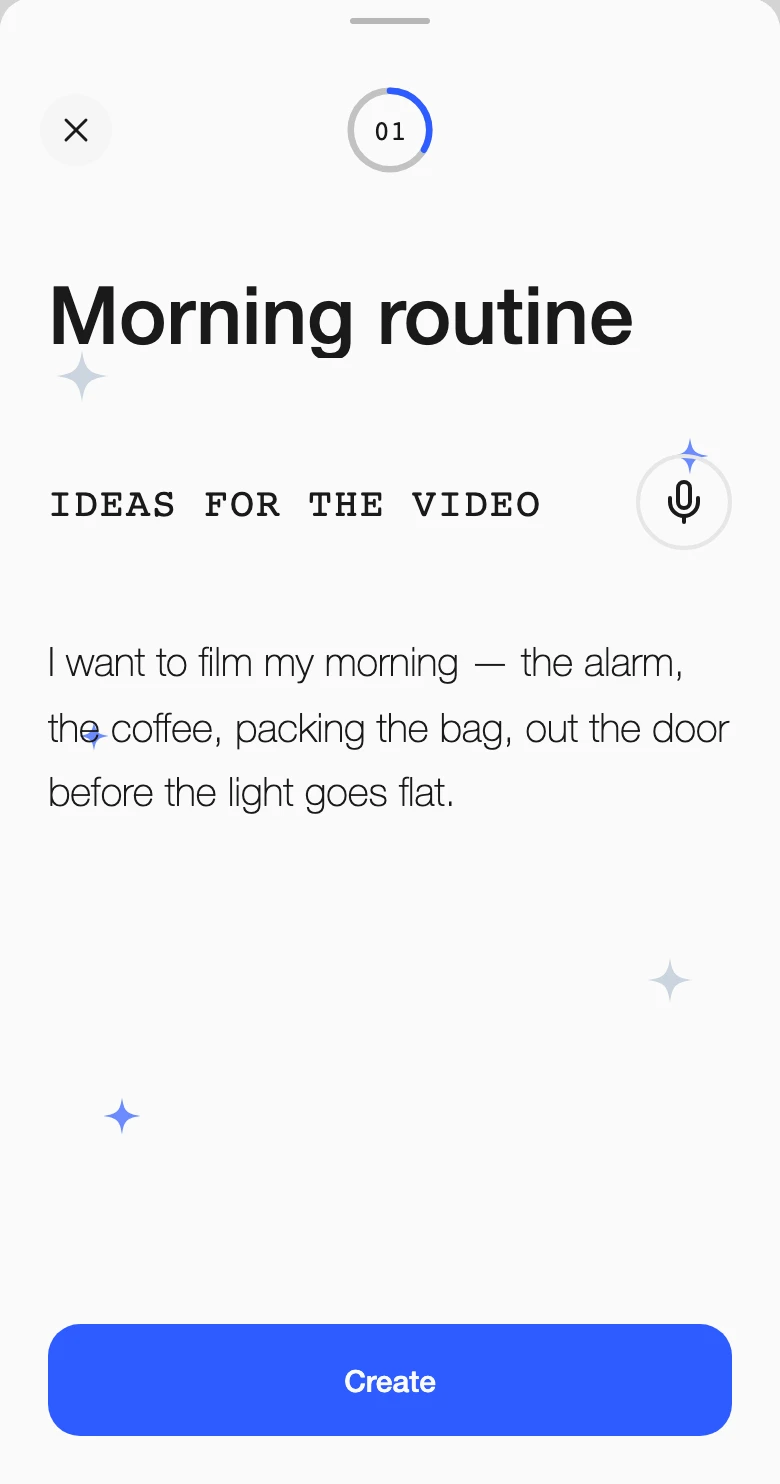
I want to film my morning: the alarm, the coffee, packing the bag, out the door before the light goes flat.
Describe an idea,get a storyboard.
Your pocket filmmaking guide: learn as you go.
Preel turns your idea into 12 frames and shows you how to shoot each one.

What you get
One sheet. Twelve frames.
Not a wall of text, but a board you can hold on set. Every shot drawn, in order, with the cut that takes you to the next one.
Your idea
Type it. Or say it.

Your storyboard
Twelve frames. One clear plan.
Your next shot
Know what to film next.
Before the frames
First, find the story.
Preel gives your idea a few directions before it draws a frame. Choose one, or change the words.
Your idea
I want to film my morning: the alarm, the coffee, packing the bag, out the door before the light goes flat.
Inside a frame
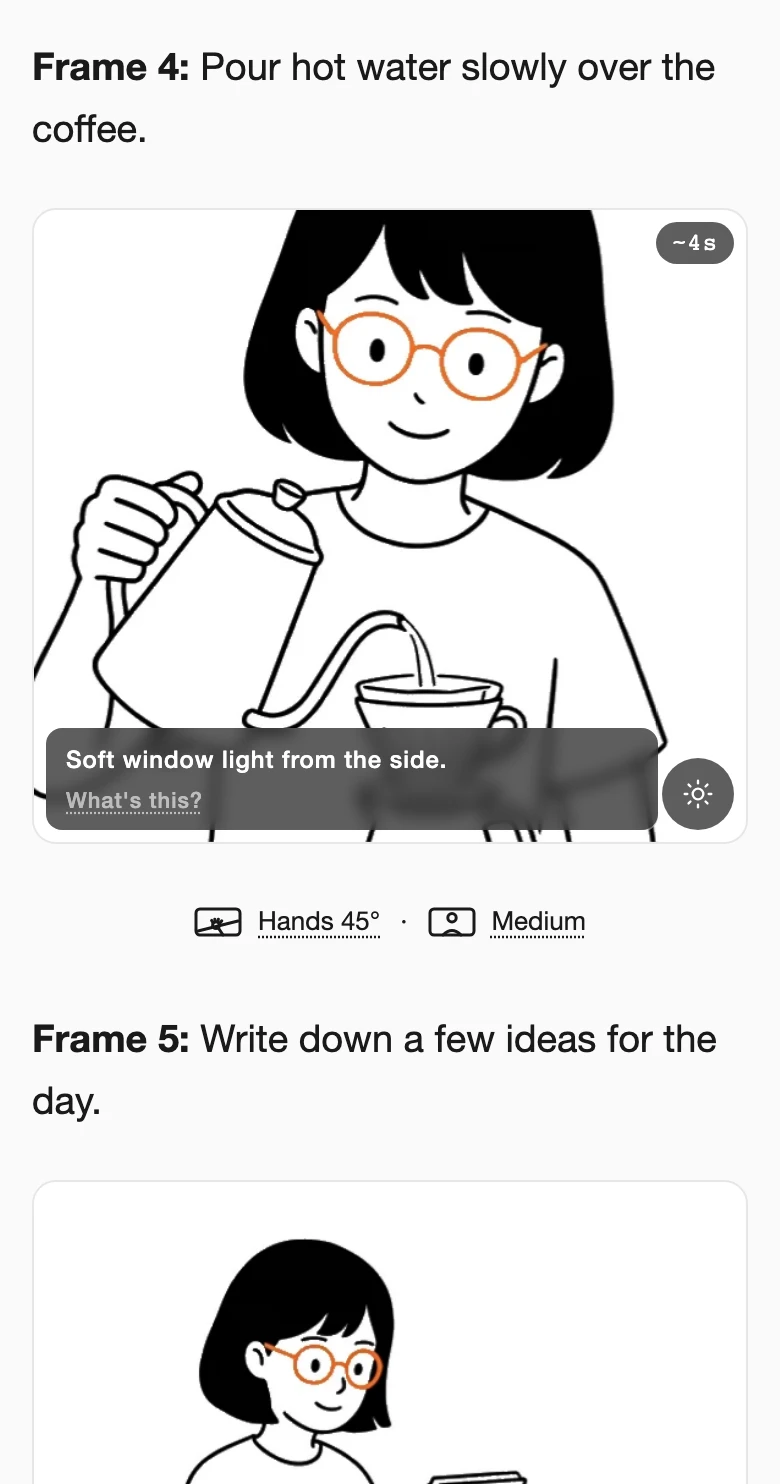
Every frame tells you how to shoot it
Frame 05
She sits at the table with a notebook.
Wide establishingWide
Hover or tap a line, and the app shows it on the frame.
Your pocket filmmaking guide
Know what to do. And why.
A better angle. A smoother cut. A stronger opening. Little lessons you can take straight to your next shoot.
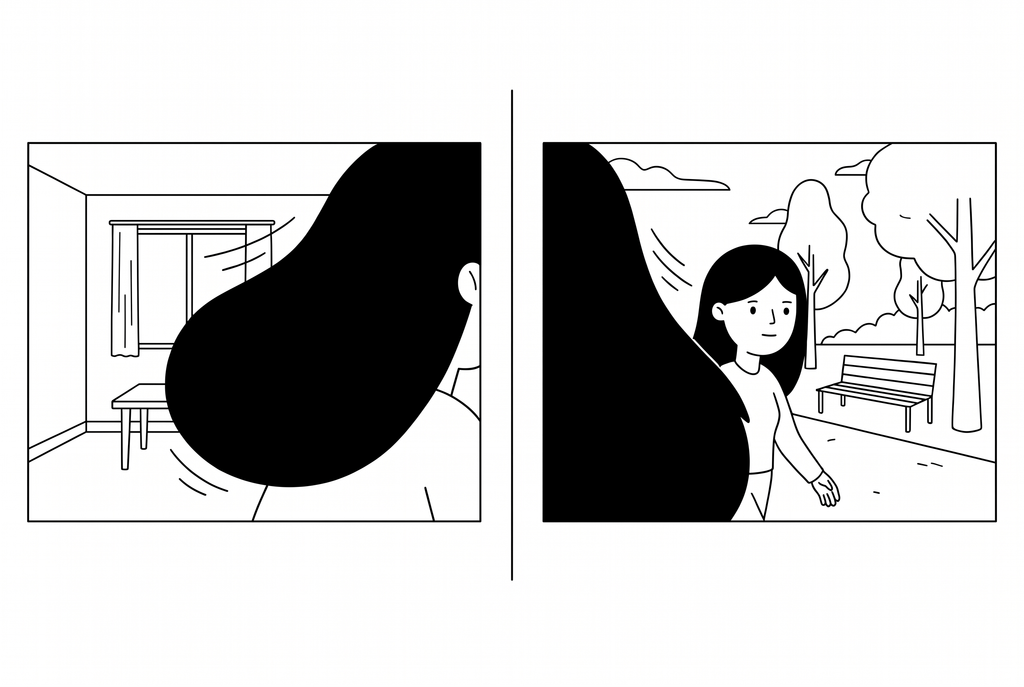
Reveal cut
One scene closes. Another opens.
How to shoot
- Let a person or object fill the frame.
- Cut while the view is covered.
- Move past it to reveal the new scene.
How it works
Hands, top-down.
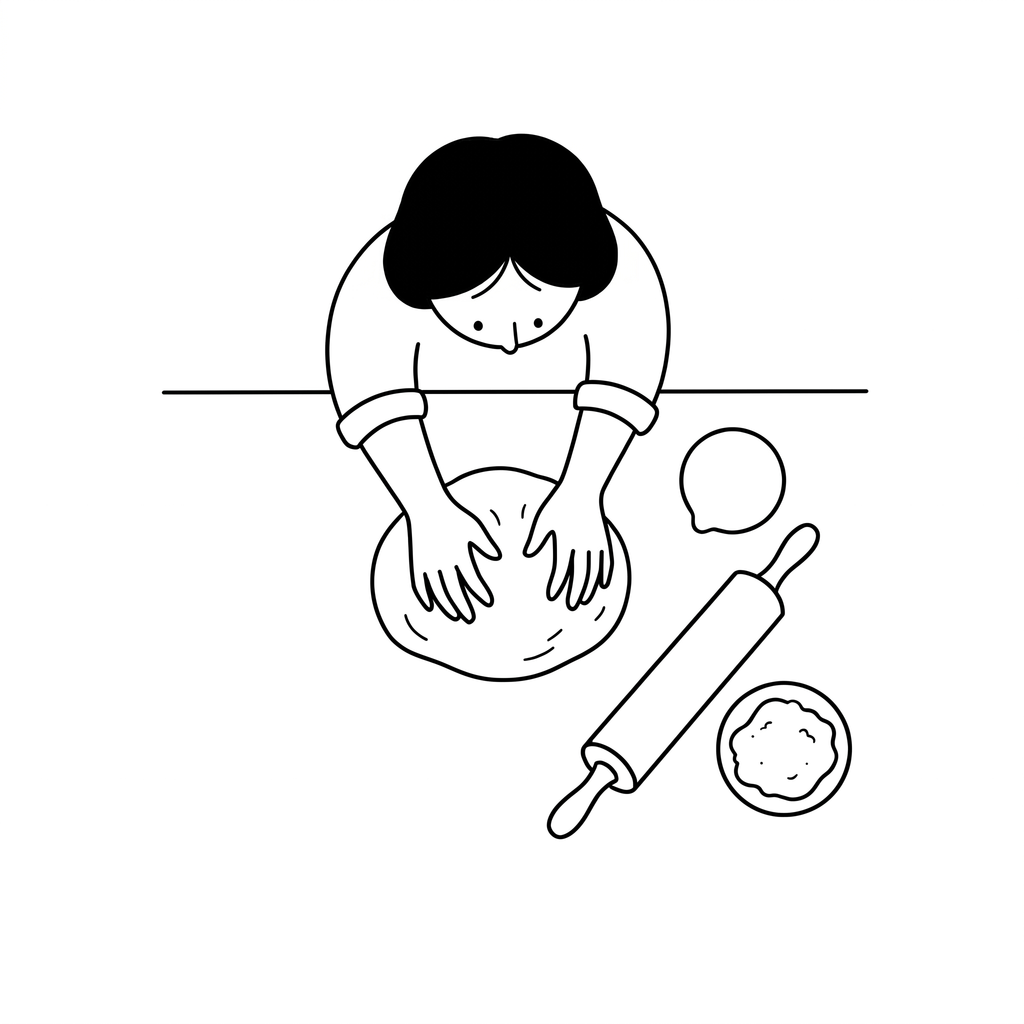
Try this angle
Point the camera straight down. Keep the hands and what they’re making in frame.
For recipes, making & unboxing.
Your first frame
Start in
the action.
Sauce hits the hot pan.
We’re already in the story.
ActionCuriosity
Open mid-action. Let the setup come later.
Questions
- Is this just a chatbot with pictures?
- A chat hands you a list and leaves the directing to you. This hands you one sheet: twelve frames in order, each carrying its shot type, framing, duration and light, with a named cut between every pair: hard cut, cut on action, match cut. You can walk onto a shoot with it.
- Can I change the frames?
- Not one frame at a time. What you steer is the story: before anything is drawn you pick between a few directions the idea could take, and you can rewrite the brief and generate the sheet again.
- Do I have to type it out?
- No, there is a mic. Describe the shoot out loud, the way you would tell a friend what you have in mind, and it goes through the same pipeline as typed text.
- What does it cost?
- Nothing to start. The app is in early access: sign up and make storyboards, up to a limit. A paid tier is coming for people who shoot a lot, and the price will be on this page before it switches on.
Got an idea? Let’s shoot it.
Get Preel →Batteries not included. Frames are.